Notice: Function _load_textdomain_just_in_time was called incorrectly. Translation loading for the simple-sitemap domain was triggered too early. This is usually an indicator for some code in the plugin or theme running too early. Translations should be loaded at the init action or later. Please see Debugging in WordPress for more information. (This message was added in version 6.7.0.) in /www/wwwroot/blog.infocp.com/wp-includes/functions.php on line 6121
帝国cms更换至php7环境,网站后台不能登录的解决方法 - 老肖博客
老肖博客
WEB开发技术与AI应用 1598 次浏览 2 分钟阅读

帝国cms更换至php7环境,网站后台不能登录的解决方法

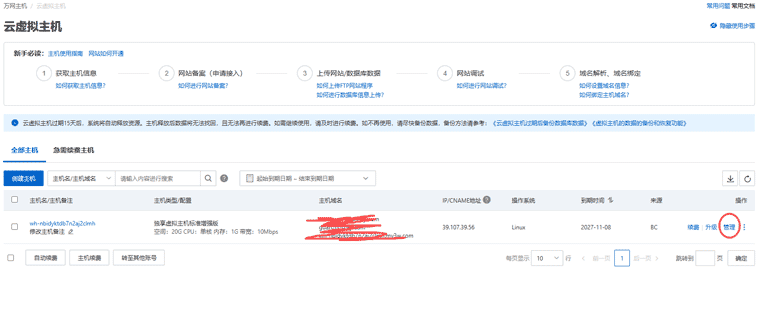
问题描述:网站使用帝国cms7.5搭建,阿里云虚拟主机,环境为php5.3+mysql5.1,最近因为需要,需用子目录搭建一个wordpress,对于wordpress来说,如果能用php7,那自然是最好——因为用到的某个wp插件需要最低php7.2版本,于是在后台将空间环境设为php7.2,安装wordpress没有问题,一切正常。

问题在于:回来后登录帝国网站后台,出错了,一片空白。

qw

因为帝国cms7.5本身是支持php7的,因此问题原因,应该是更换空间环境至php高版本,而对应的帝国cms程序中没有识别吧。

找下一下资料,原来官方就有解决方法,一试,问题解决。

已经安装好帝国CMS换PHP7.*运行环境时:
只需修改配置文件“/e/config/config.php”将“$ecms_config['db']['usedb']='mysql';”修改为“$ecms_config['db']['usedb']='mysqli';”即可支持PHP7系列。(注意事项:UTF8文件不能用记事本修改文件,否则会将文件转为GBK编码,推荐用Dreamweaver修改。)

更新于

相关文章